





AUTOMATE YOUR NETWORK SETTINGS CONFIGURATION WITH NETSET
Do you connect to more than one network? Are you tired of constantly re-configuring your network settings by hand? NetSet saves you time by configuring your network settings for you.
With NetSet, you can change your network settings with a single key press.
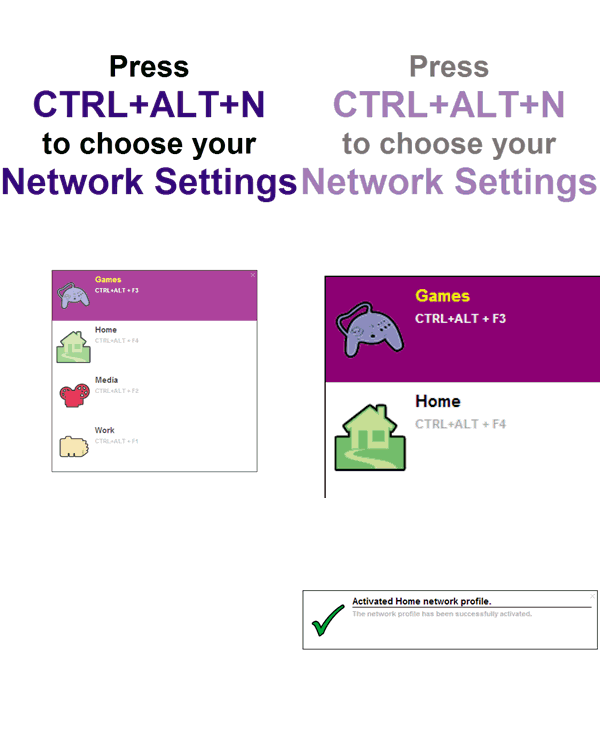
QUICKLY AND EASILY SWITCH NETWORK SETTINGS
Forget the lengthy, cumbersome chore of finding network adapter dialogs and manually changing network settings. NetSet significantly speeds up the process of changing network settings.
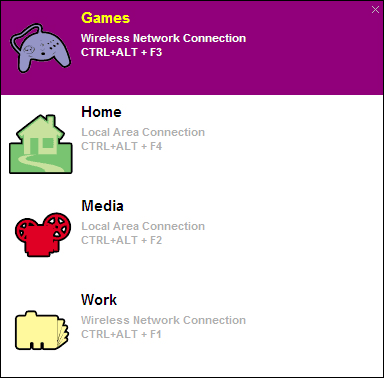
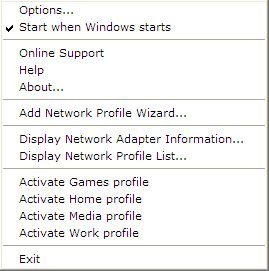
With NetSet, you can choose the network settings you want to use from a pop-up list or the NetSet system tray menu, or switch settings with a single key press.
STORE SETTINGS FOR EACH NETWORK YOU CONNECT TO
Do you connect to a number of networks, each with their own unique settings? Now you no longer need to memorize the individual settings of the networks you use, because NetSet remembers the settings of each network for you.
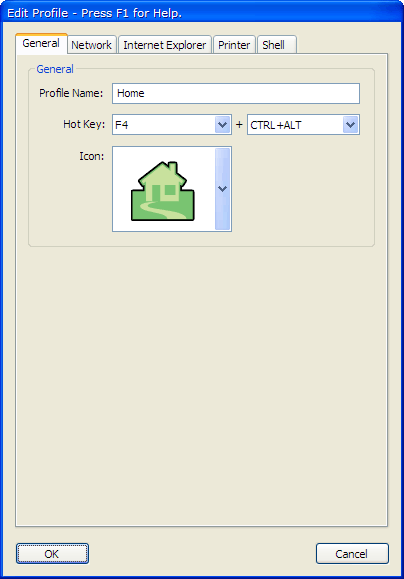
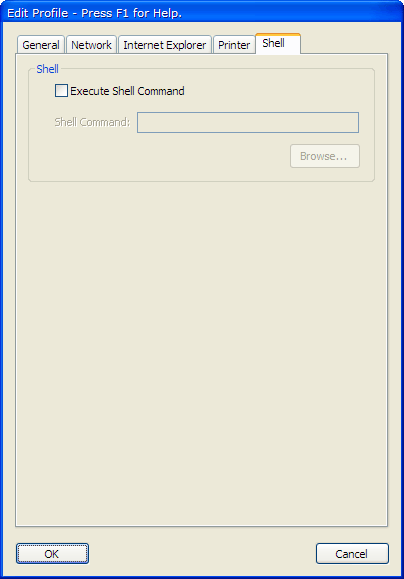
NetSet can store network settings, Internet Explorer settings, and the default printer, and can even execute a shell script after changing network settings.
INSTANTLY VIEW NETWORK ADAPTER INFORMATION
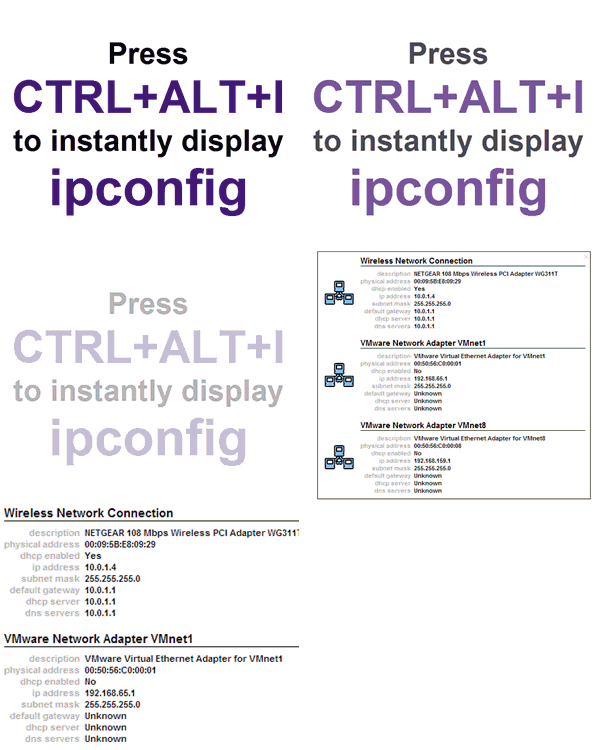
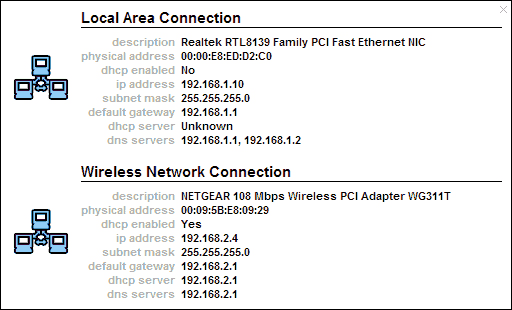
Do you regularly check your network adapter IP configuration using ipconfig? Now you can skip the command line using NetSet's real-time network adapter IP configuration monitor.
NetSet saves you time by letting you bypass the command line and view your network adapter IP configuration with a single key press.
FEATURES AND BENEFITS
NetSet significantly speeds up the chore of changing network settings, allowing you to:
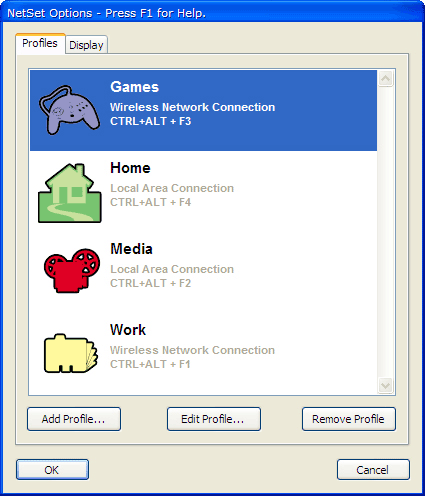
- Store any number of network setting profiles for each network adapter.
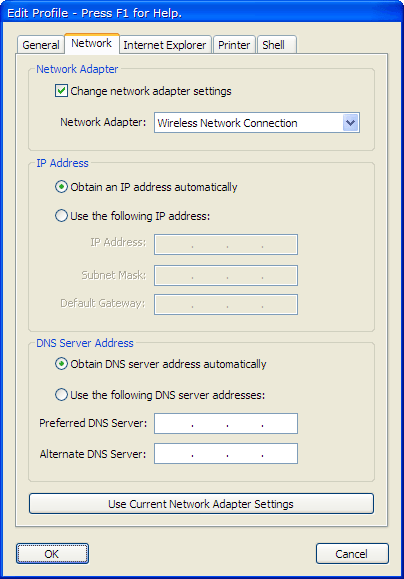
- Configure DHCP, IP address, and DNS server address settings for each network profile.
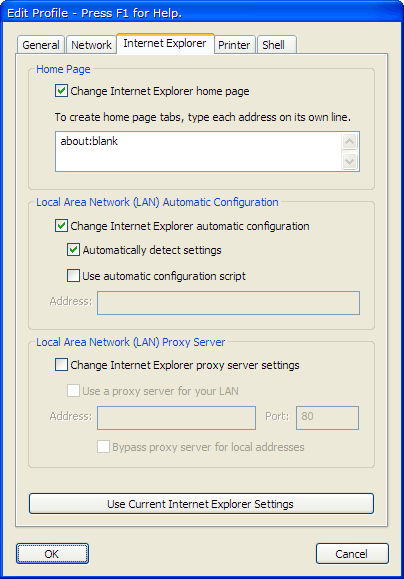
- Configure the Internet Explorer home page and Local Area Network (LAN) automatic configuration and proxy server settings for each network profile.
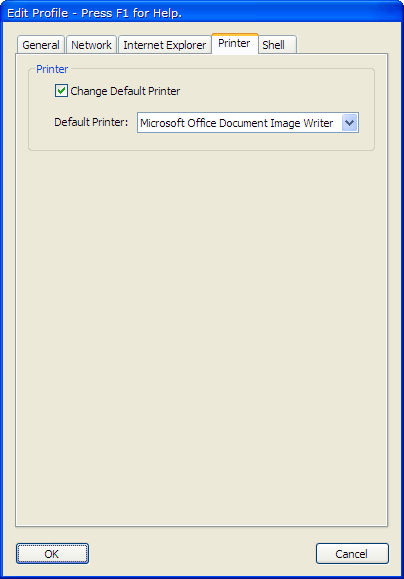
- Configure the default printer for each network profile.
- Execute a shell command after switching to a network profile.
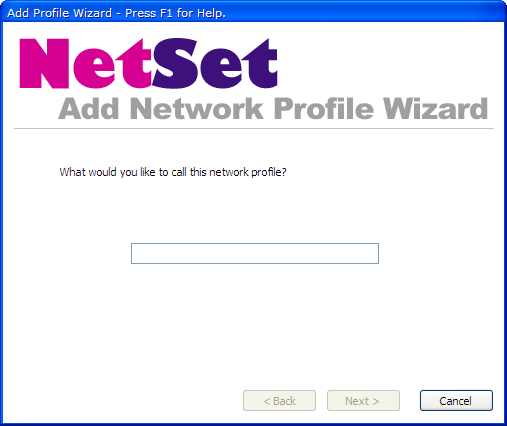
- Add network profiles with an easy-to-use wizard.
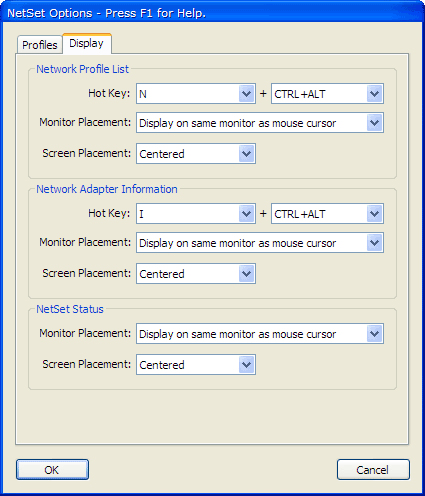
- Quickly switch network profiles via a hot key or by selecting a profile from the Network Profile List.
- Instantly display network adapter IP configuration information via a hot key.
SCREENSHOTS
Click a thumbnail to view a larger image
SYSTEM REQUIREMENTS
The minimum system requirements for NetSet are:
- Windows XP SP2, Vista, Vista 64-bit, Windows 7, Windows 7 64-bit, Windows 8, or Windows 8 64-bit.
- 800 Mhz CPU.
- 256 MB RAM.
WHAT'S NEW?
Click here to find out what's new in the latest version of NetSet.
FREQUENTLY ASKED QUESTIONS
Can I try NetSet before I buy it?
Yes, in fact we recommend that you try NetSet before you buy to make sure it's exactly what you're looking for. Click here to download a 14 day trial version of NetSet.
Is NetSet compatible with other programs on my computer?
Yes, NetSet is compatible with most other Microsoft Windows programs. If you'd like to make sure NetSet works with all your programs, click here to try NetSet before you buy.
Can I turn off NetSet when I don't want to use it?
Yes, you can turn off NetSet at any time.
How do I install NetSet on my computer?
To install NetSet on your computer:
- Go to the Help page, enter your email address and order number, then click the Download button.
- A window will open asking what you want to do with a file called NetSet122Setup.exe. Click Save.
- Go to the location you saved the NetSet122Setup.exe file to and double-click on it.
- The NetSet Setup Wizard will appear and guide you through the rest of the installation.
- After the installation has finished, NetSet will automatically run and the NetSet icon will appear in the system tray.
How will I know a new version of NetSet has been released?
New releases are announced on the Otaku Software Blog and on the Otaku Software Forums. We love to hear feedback on new versions, so please feel free to drop by the Blog or Forums and let us know what you think.
If I have a question about how to use NetSet, how can I get help?
If you have a question about NetSet, click here to see if it's already been answered on the Otaku Software Forums. If you can't find an answer to your question in the Forums, click here to ask Otaku Software Support.
How do I report NetSet bugs?
We treat all bug reports extremely seriously. We work hard to make sure NetSet is as bug free as possible, and we always try to fix the problem as soon as we can. Click here to report a bug in NetSet.
I have a suggestion on how to improve NetSet, how do I let you know about it?
We're always happy to hear how we can make our software even better, and we welcome any suggestions or criticisms you have. Click here to let us know how we can improve NetSet.